
Free
Every feature on the free plan. No credit card to start.
The fastest, most accurate translation engine
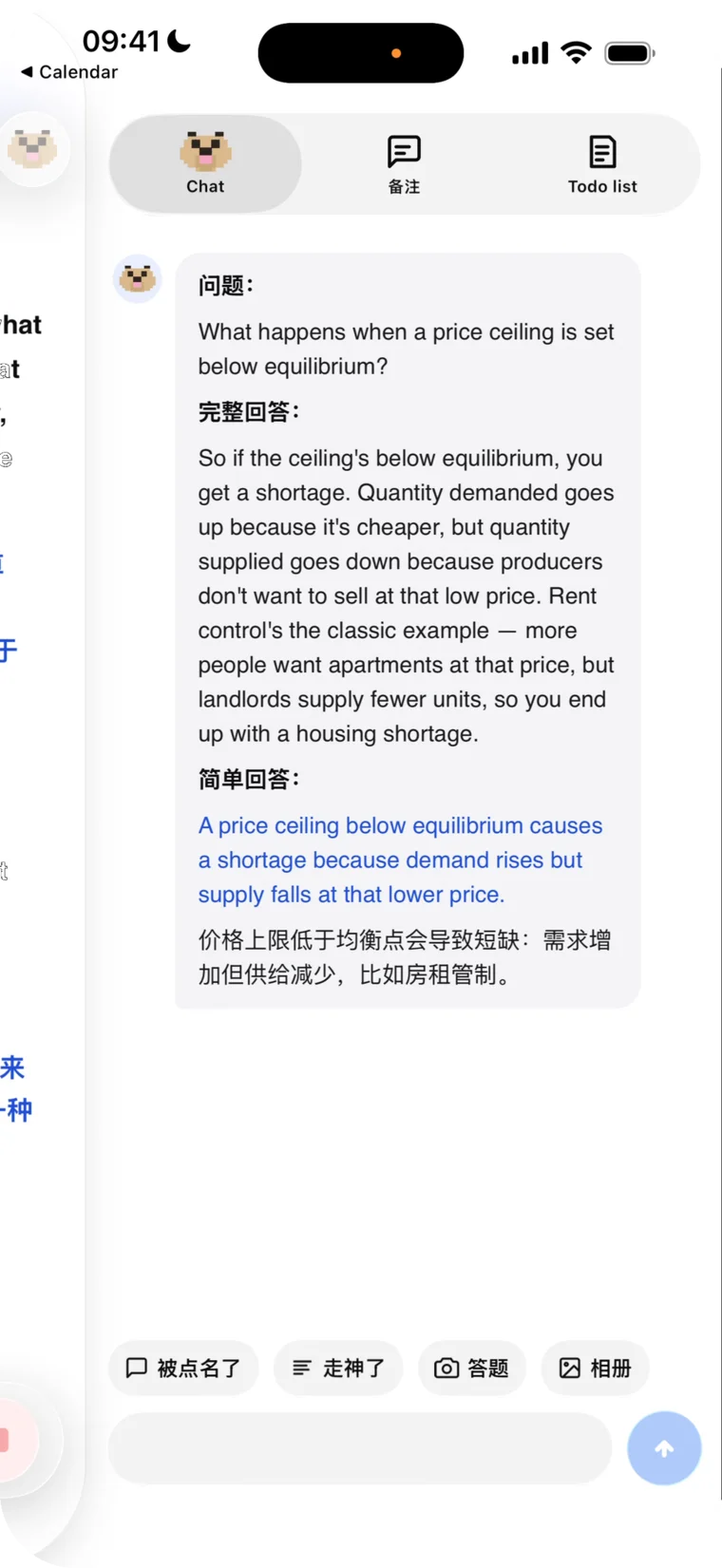
Called on?
Claude has your line.
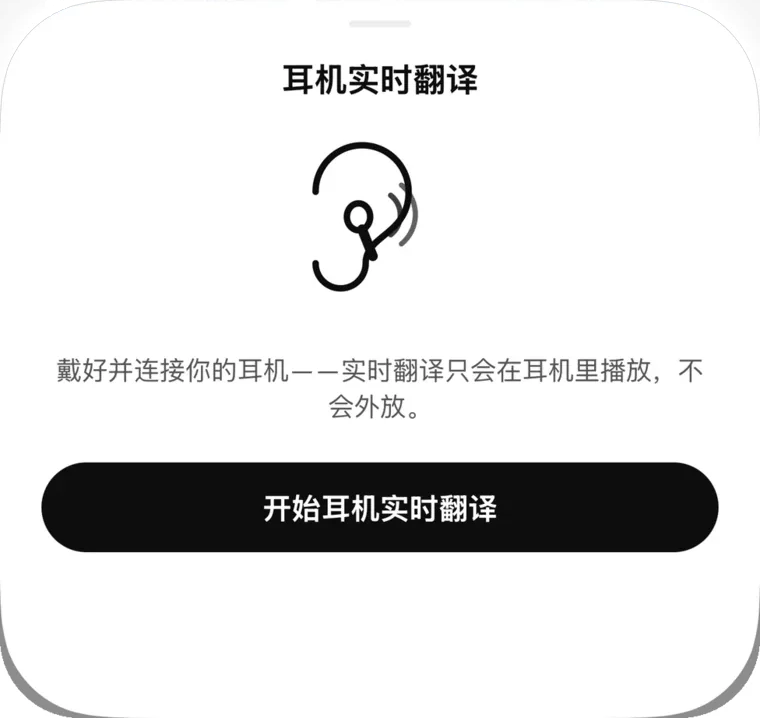
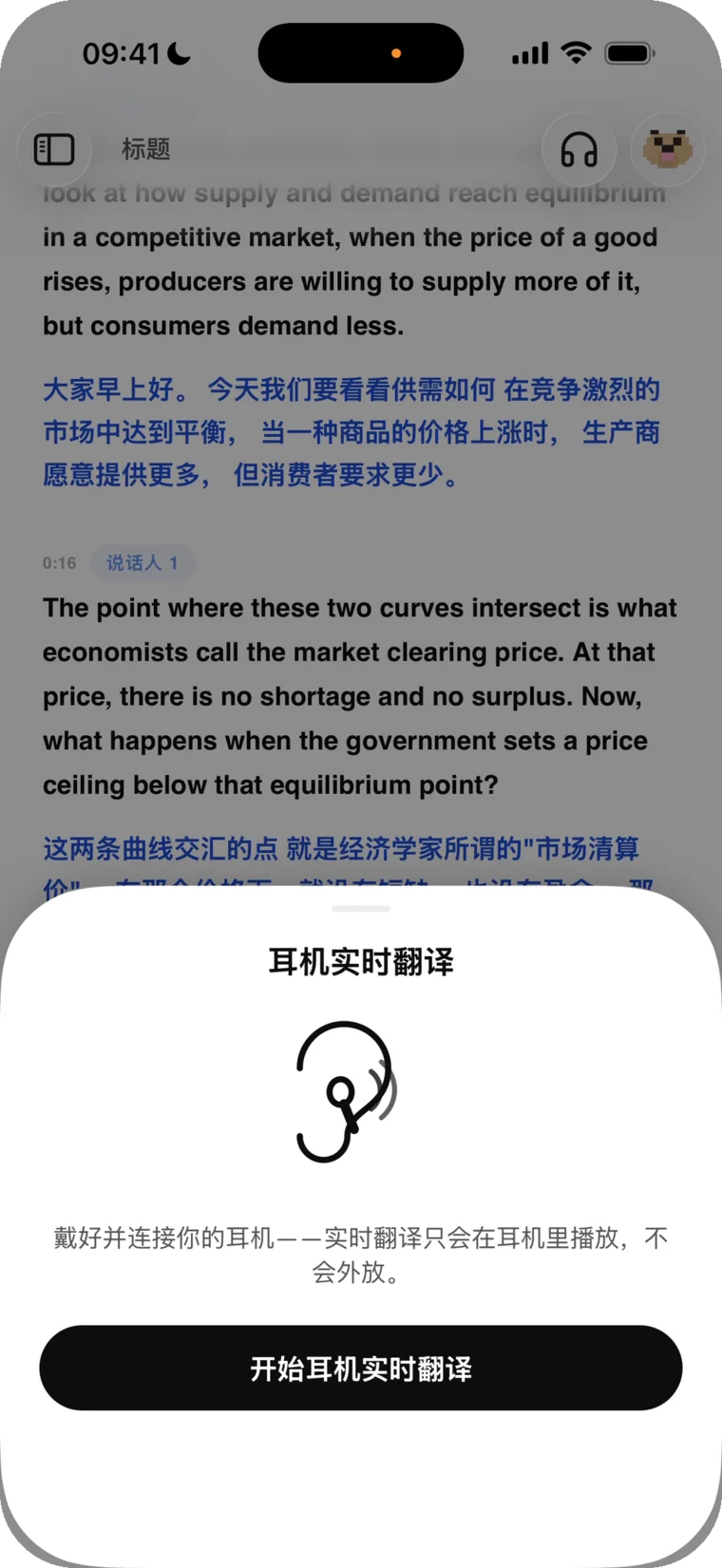
Live translation in your earbuds
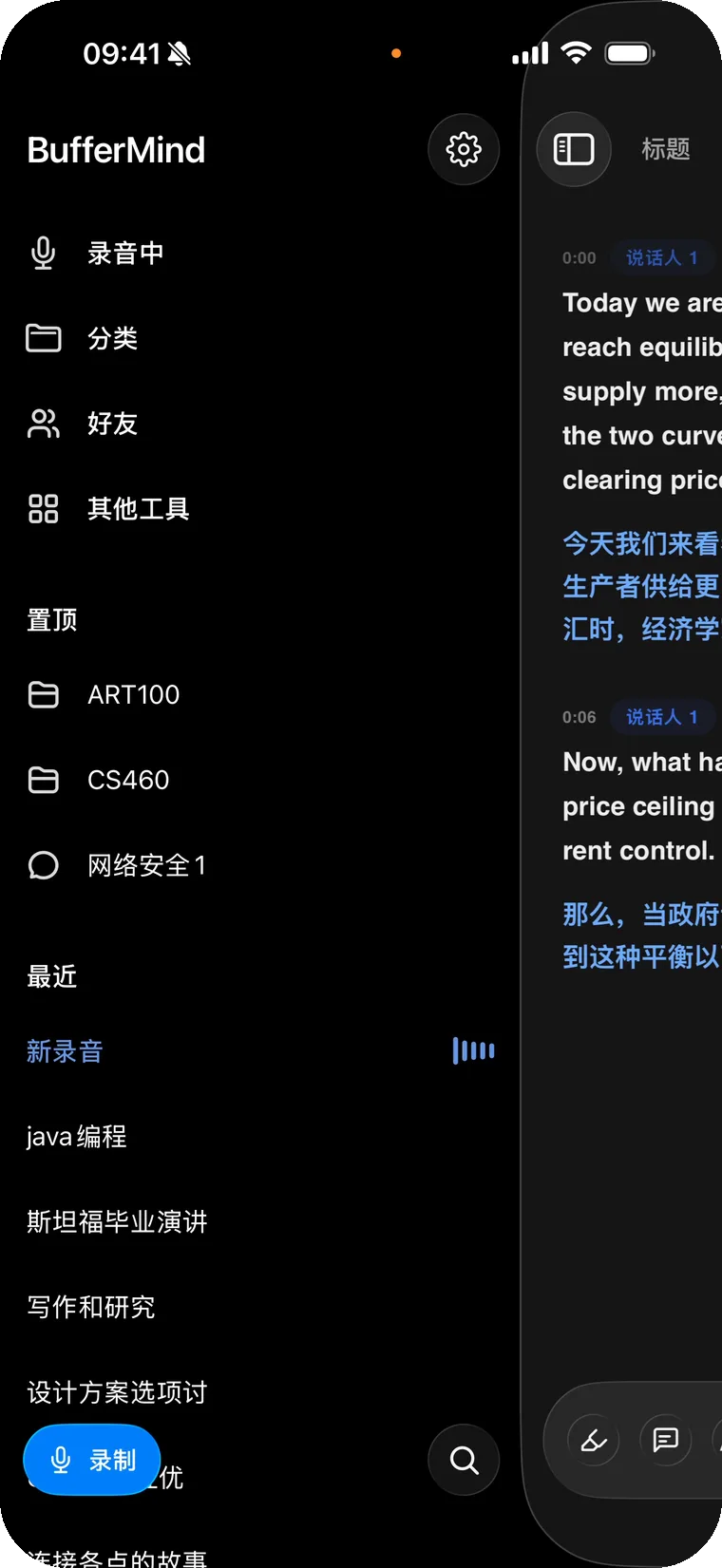
Tidy recordings with a long press
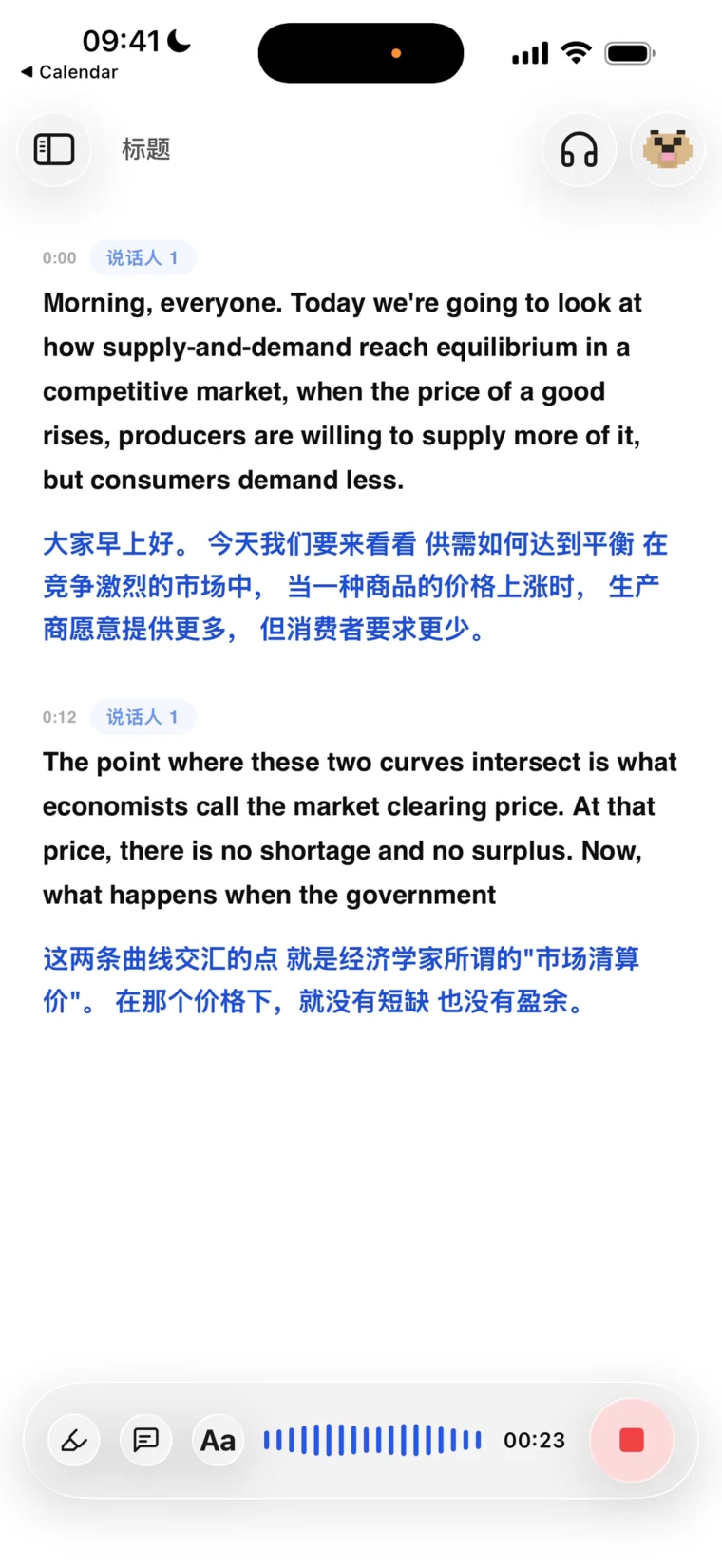
Powered by world-class technology






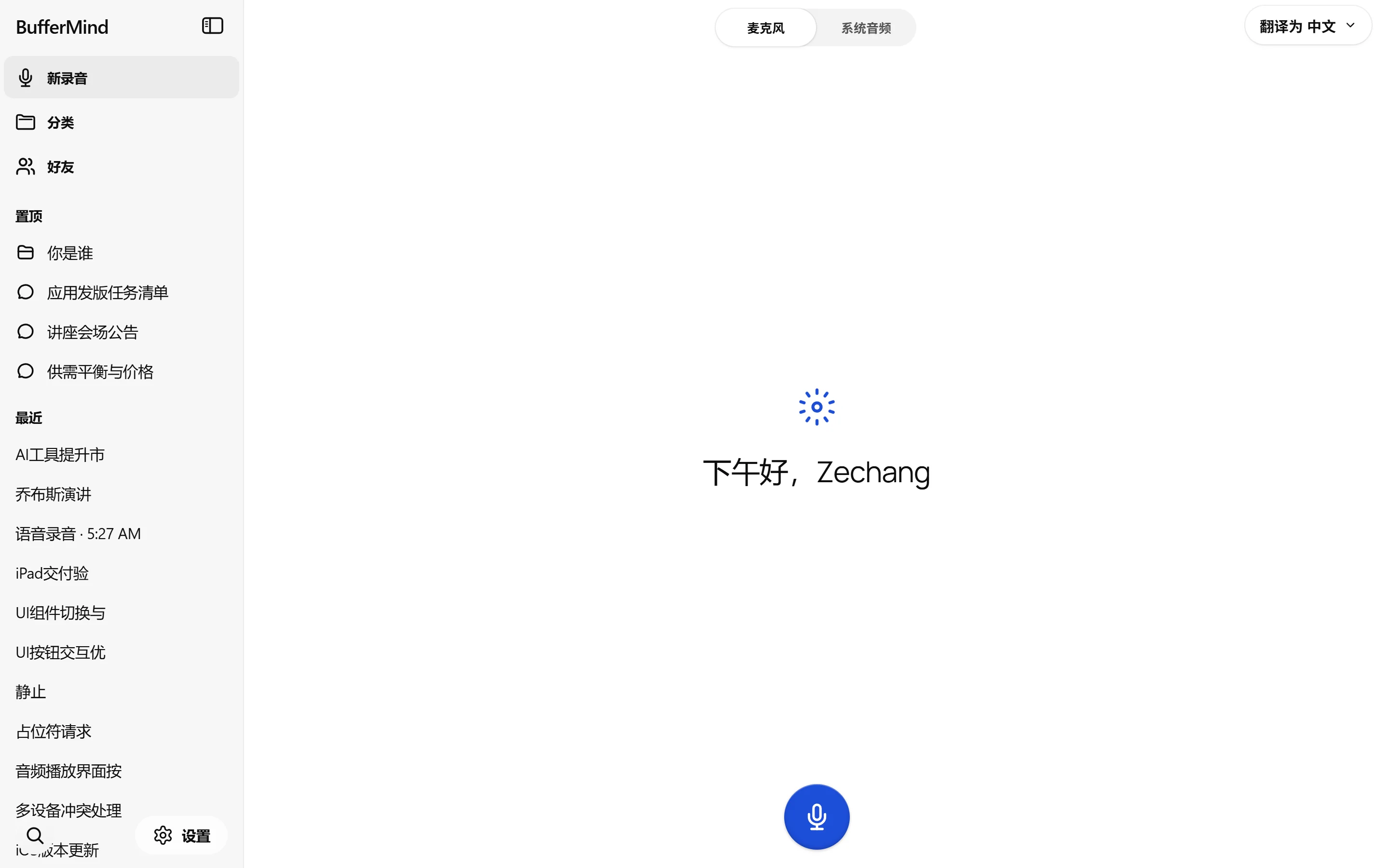
Play audio in any language — we'll detect and translate live.
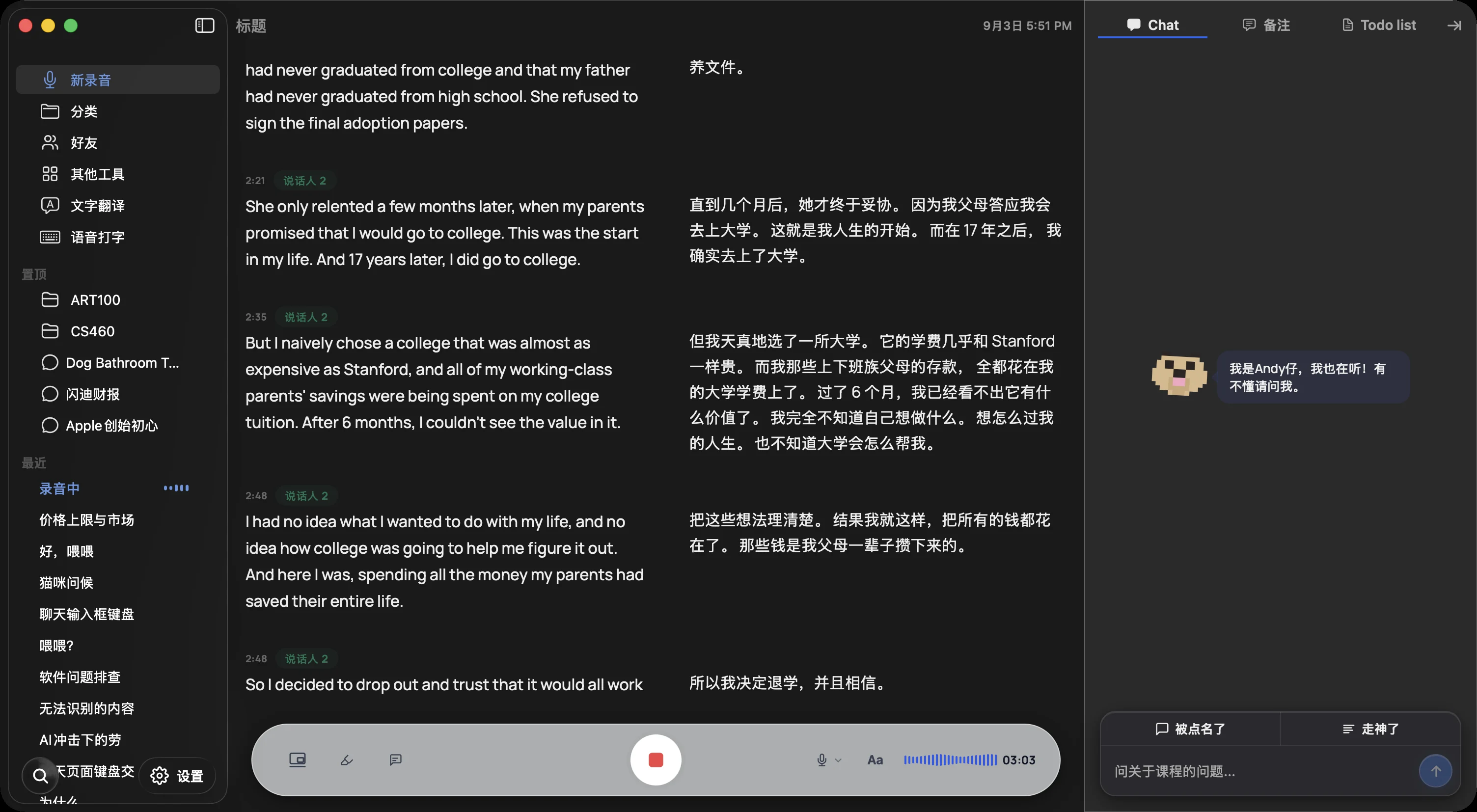
BufferMind runs on Soniox, the speech engine that tops independent accuracy benchmarks. Every word hits the screen as it's spoken, and the translation lands about a second behind — through accents, fast talkers, and mixed languages.
Andy, your AI tutor, runs on Claude Sonnet 5 and Opus 5 — the most capable models Anthropic has ever shipped. Summaries, answers, and study notes with real understanding behind them.
Put on your headphones and the translation is spoken to you, live — only you hear it, never the room. Like carrying a personal interpreter.
Record on your phone, pick it up on your Mac or the web — every session syncs automatically. Audio uploads while you're still recording, so a dead battery or a crash can't take your recording away.
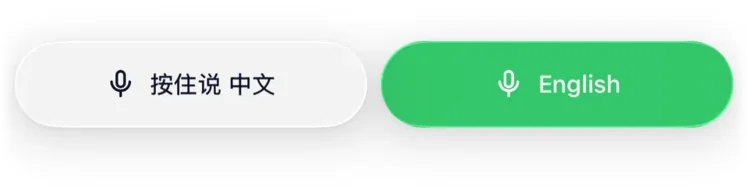
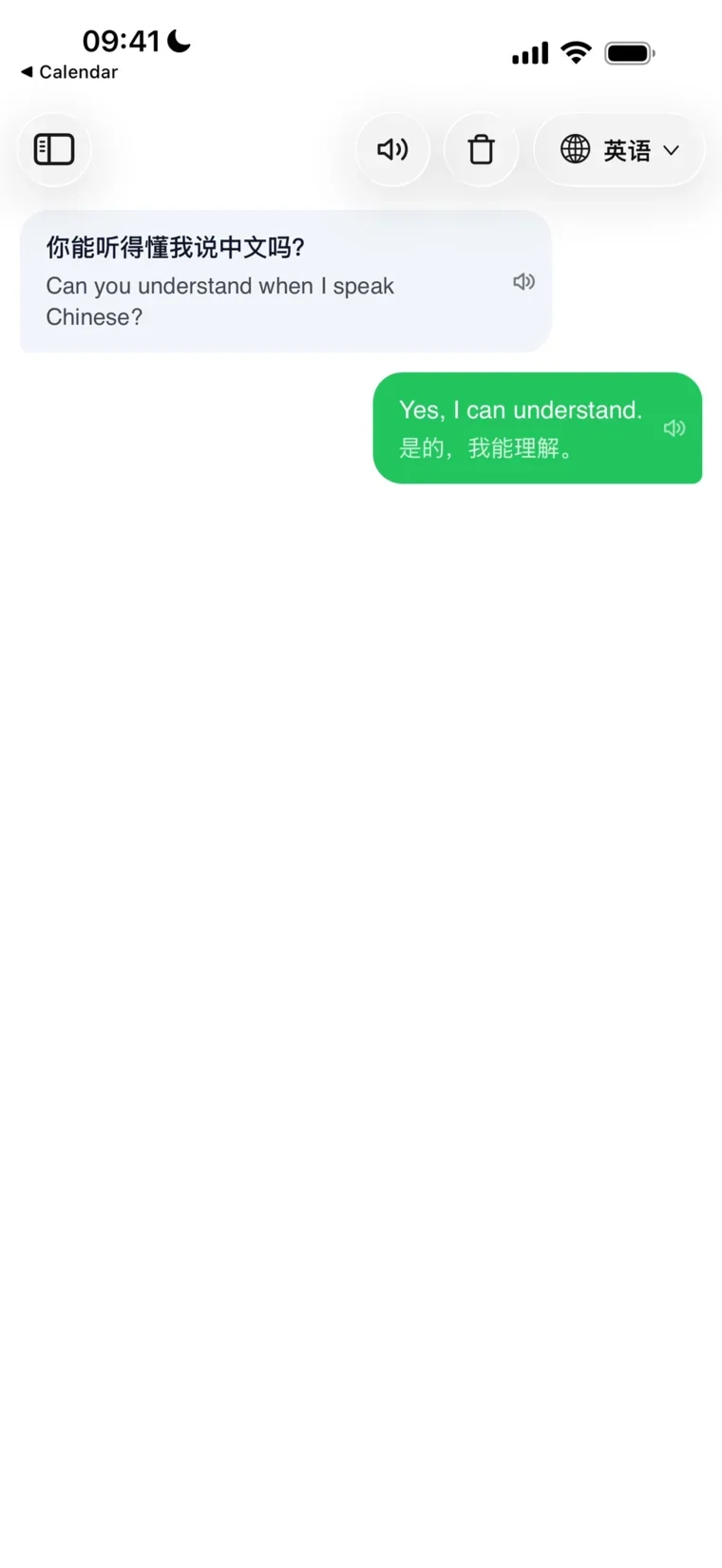
For face-to-face moments: each side holds a button and speaks their own language — the translation appears and speaks out loud instantly. Travel, small talk, real conversations.
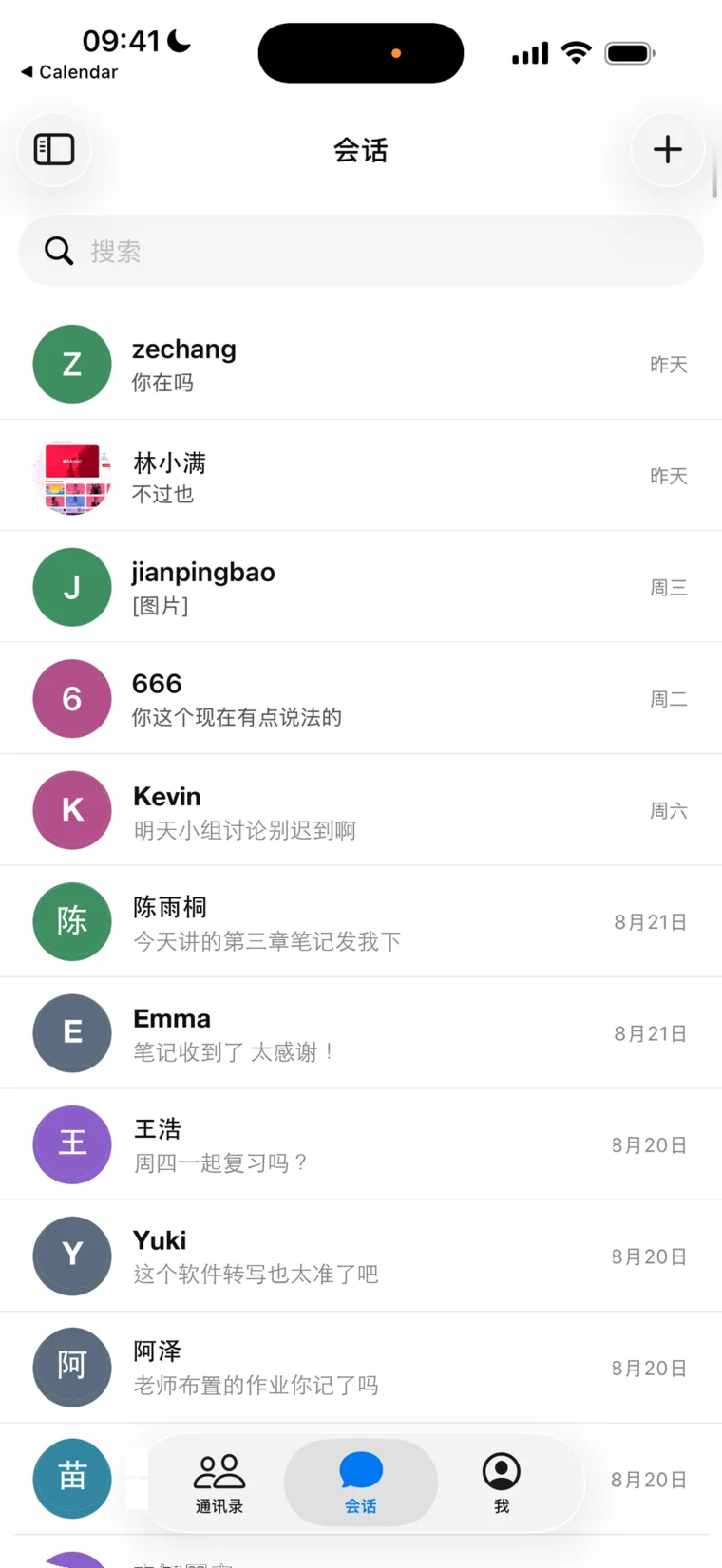
Chat, call, and share recordings with friends — send a whole lecture to a classmate, swap notes, review together.
One app, three platforms. Every feature unlocked. Your data never used to train models.
Every feature on the free plan. No credit card to start.
Mic activates only when you tap Record. Delete anytime. Never used for AI training.
Record on one device, review on another. Everything syncs automatically.
Yes. The free plan includes every feature with a monthly allowance of about 3 hours of transcription (shared with AI questions and summaries), and no credit card to start. Pro raises it to about 25 hours a month for $9.99/month or $19.99 per 3-month term; Max offers about 80 hours for $19.99/month or $44.99 per term. Cancel anytime from inside the app. Connect with your first friend in BufferMind and you both get a free month of Pro.
60+ languages are auto-detected for transcription and translation — including English, Chinese (Mandarin & Cantonese), Spanish, Hindi, Korean, Japanese, French, German, Arabic, Russian, and more — powered by Soniox's unified model. The BufferMind app interface is currently localized in 6 languages.
Mac, iPhone, iPad, and any modern browser. The Mac app needs macOS 14 or later on Apple Silicon (M1 and newer); the iPhone and iPad app needs iOS 16.2 or later and an App Store account outside mainland China. There is no native Windows or Android app — open BufferMind in your browser there instead. Sign in with the same account and your sessions sync automatically across every device.
Yes, on Mac and in the browser. The Mac app captures the audio playing on your computer directly, so a Zoom or Google Meet call, a lecture recording or any video is transcribed without going through the microphone. In a Chromium-based browser (Chrome, Edge) you pick the meeting tab and turn on “Also share tab audio”. On iPhone and iPad, iOS does not let apps capture other apps' audio, so BufferMind listens through the microphone — put the call on speaker and it works.
No. We never use your recordings to train AI models. The microphone turns on only when you tap Record, never in the background. Audio is streamed to our speech-to-text partner (Soniox) only during transcription and is not retained afterward. Cloud copies of your sessions are tied to your account, encrypted, and can be deleted anytime from Session History.
Yes. Real-time transcription and translation stream audio to the cloud, so a stable internet connection is required. We're exploring on-device modes as lightweight models mature.
Recording, AI questions and summaries all draw on one allowance that resets on the 1st of each month — the sidebar shows how much is left. When it runs out, everything you have already recorded stays exactly where it is; you just can't start new recordings or ask Andy more until the reset, or until you move up to Pro or Max.
Transcription runs on Soniox's real-time model, built for accented speech and for speakers who switch between languages mid-sentence. For course-specific vocabulary — names, acronyms, formulas — paste your syllabus, notes or glossary into that course's Knowledge Base, and BufferMind uses it as context for its summaries and for Andy's answers.
Every session is saved with the audio, transcript and translation kept in sync — tap any line to jump back to that moment. BufferMind writes a title and a summary for each session, groups them by course, and Andy can answer questions about what was said. Transcripts can be copied or exported as text to share with classmates.
Yes. Enable speaker identification and BufferMind labels “Speaker 1,” “Speaker 2,” and so on within a session. Voiceprints are processed only during that session by Soniox and are never stored by us.
Live captions in class, translated calls on speaker, and Andy to explain what you missed — in your pocket. Sign in with the same account and your sessions sync across every device.
Point your iPhone or iPad camera at the code to open the App Store.
App StoreLive captions and translation for anything you hear on your Mac — lectures, meetings, videos, calls — floating above whatever you're doing.
Install steps & system requirementsStill on macOS 13? Download the legacy 1.1.5 build — it is frozen and no longer receives updates.
The BufferMind you use in the browser, in its own window — live captions, translation and notes, with your account and sessions synced. Windows preview: microphone and system audio.
BufferMind
One allowance, every feature. Pay monthly, or cover a whole term at once.
For a full course load
Cancel anytime from inside the app.
That's $6.66 a month — save 33%.
Get ProFor the heaviest schedules
Cancel anytime from inside the app.
That's $15.00 a month — save 25%.
Get MaxFree plan: every feature, about 3 hours a month, no credit card. Start free. Pro and Max differ only in how much you can record and ask each month.
ZCC Labs
BufferMind is an AI translation copilot for everyone who lives, studies, and works in a second language.
Live a day in a second language and you know the feeling: the gap between hearing something and being ready to respond. You're still translating the last sentence while the room has already moved on. That gap is the buffer — and every international student knows it by heart.
BufferMind exists to close it. Live captions and translation keep you on pace with the room, and Andy — the AI copilot beside your notes — recaps what you missed and helps you speak up with confidence. This isn't a study hack; it's the tool we wished we had in our own lectures.
BufferMind is made by ZCC Labs LLC, a small team that ships every week. Small keeps us fast — student feedback lands in the app in days, not quarters. We believe the best tools disappear: they get out of the way and let you focus on the room you're in.
BufferMind
Built for students and professionals who need to capture, understand, and review spoken content across languages.
Real-time transcription in 60+ languages — including Chinese (Mandarin & Cantonese), English, Spanish, Hindi, Korean, Japanese, and more — with instant side-by-side translation. Never fall behind in a lecture again. BufferMind captures every word and translates it on the fly, so language is never a barrier to learning.
AI generates real-time answers when the professor calls on you, plus smart questions that make you stand out in class. Get context-aware suggestions powered by what's being discussed right now.
Group recordings by course. See history, summaries, and trends per class. Keep all your lecture notes organized in one place.
Auto-generated titles and summaries for every recording session. Review key points without replaying the entire lecture.
Get real-time context summaries and suggested questions during lectures. Andy understands the conversation and helps you participate.
Review recordings with word-level synced audio, transcript, and translation. Jump to any moment and see exactly what was said.
Automatically identifies professor vs student speakers using audio analysis. Know who said what at a glance.
Hide the app window instantly with a hotkey. Content is protected from screen capture. Stay discreet while getting the help you need.
Picture-in-Picture captions overlay on top of any app while you work. See live transcription and translation without switching windows.
Export recordings and share transcripts with classmates in one tap. Collaborate and study together effortlessly.
Your recordings and transcripts stay yours. We don't sell, share, or use your data for model training.
Microphone activates only when you tap Record. Never in the background. You're always in control.
Delete individual recordings or your entire account from Settings. Your data, your choice.
All data encrypted in transit (TLS) and at rest. No third-party tracking or advertising.
We never use your recordings or transcripts to train AI models. Your content is private.